- In Vanda Manager, Click User Management

- On the user, under Actions, click on the 3
 dots icon

- Click Reset Password

- Enter new password for the user and your current account’s password
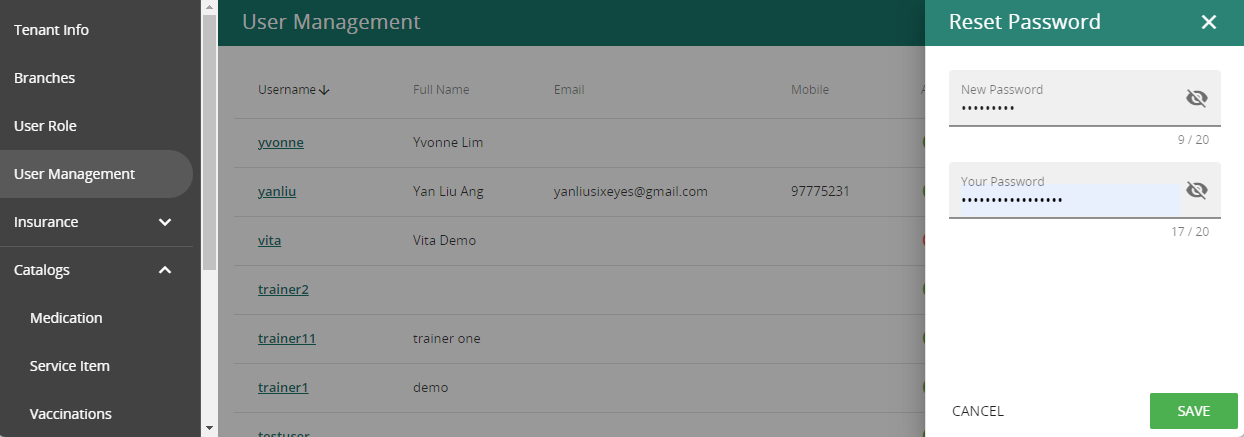
- Save. User will be able to log in with the New Password given.

 dots icon


