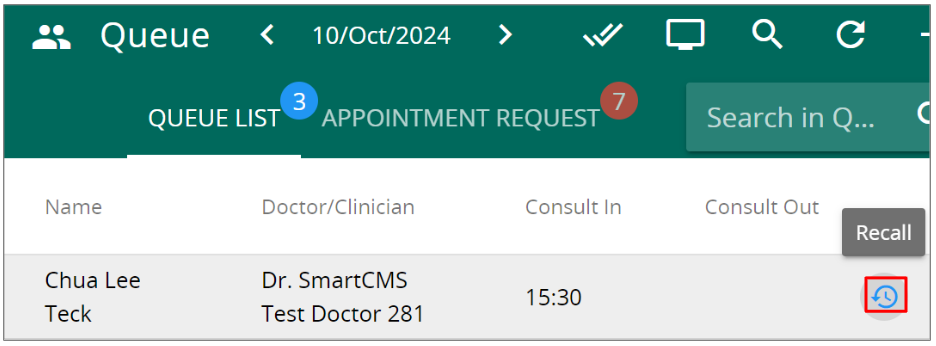
- Go to ‘Queue‘

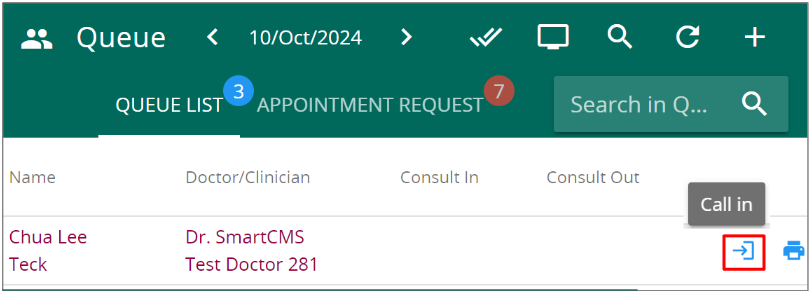
- Click onto this icon on the far right to call in pending patient
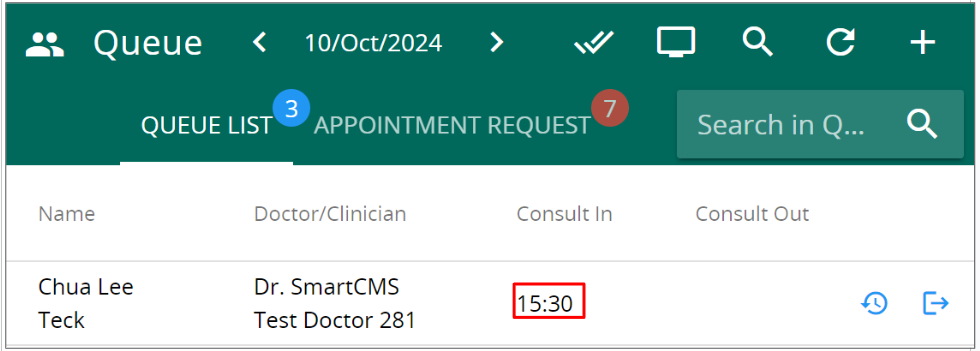
- Once you have clicked on the call in button, the consult in timer will be updated with the current time along with trigger a readout on the queue display
- Click onto the same icon on consult in patient to consult out
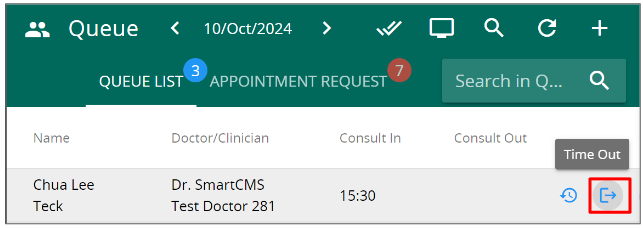
- Once you have clicked on the call out button, the consult out timer will be updated with the current time
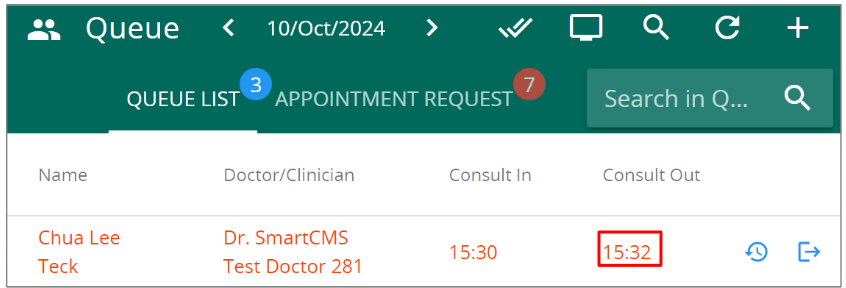
- Click onto the recall button on called in or consult out patient to call the patient again